Hardware Setup
This guide helps you connect the Pololu USB-to-I²C adapter to the RM3100-based sensor and prepare your Linux system.
Hardware
Pololu Isolated USB-to-I²C Adapter:
5397 (with isolated power output)
RM3100 magnetometer board (e.g., TAPR/TangerineSDR magnetometer)
Appropriate wiring for SDA, SCL, GND, and optional +5V
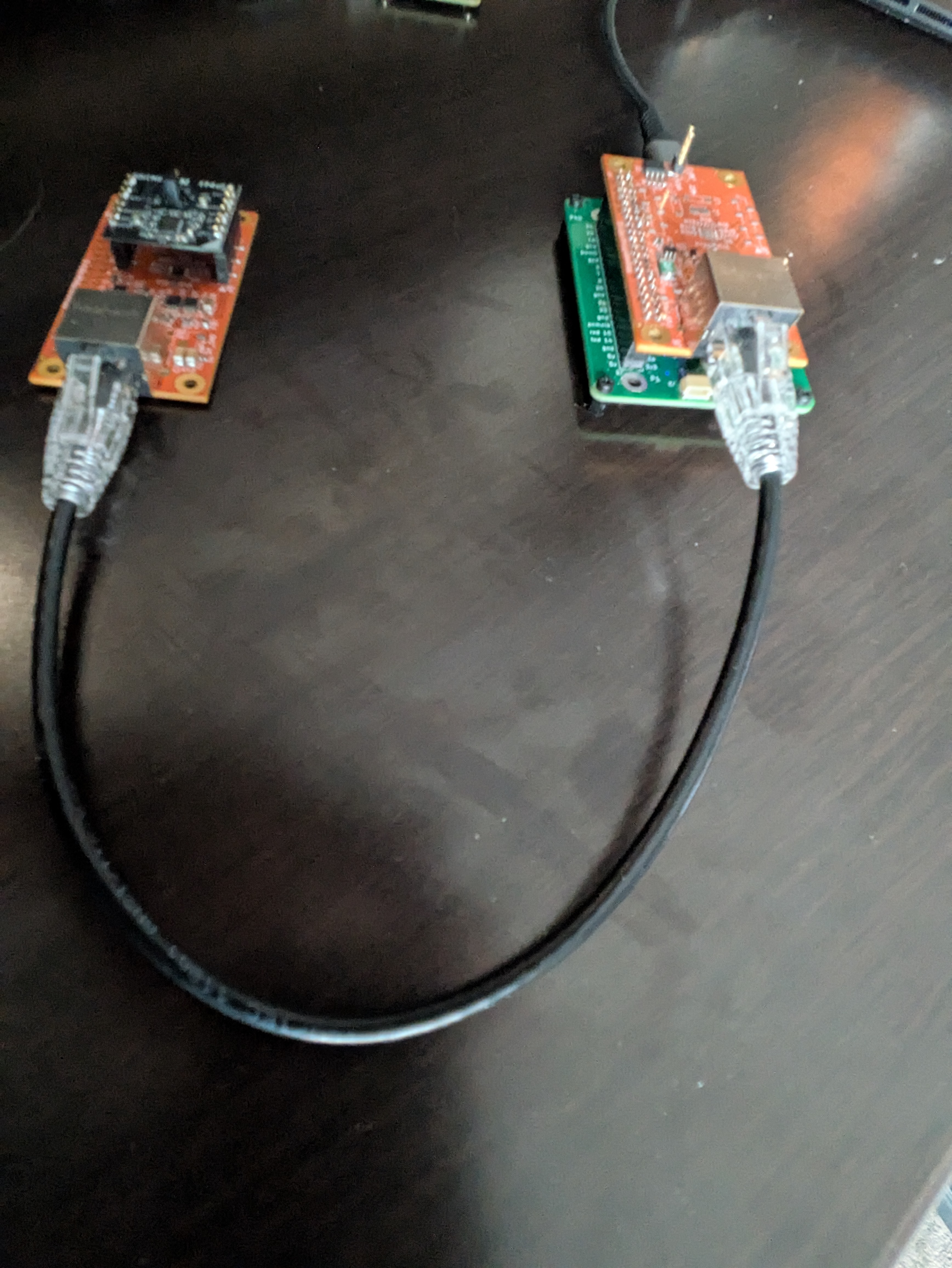 Fig. 1: Pololu USB-to-I²C adapter connected to the RM3100 magnetometer sensor.
Wiring
Connect:
SDA ↔ SDA
SCL ↔ SCL
GND ↔ GND
+5V (the USB C connection must providepowre at or near +5V to power the remote sensors and overcome resistive losses.)
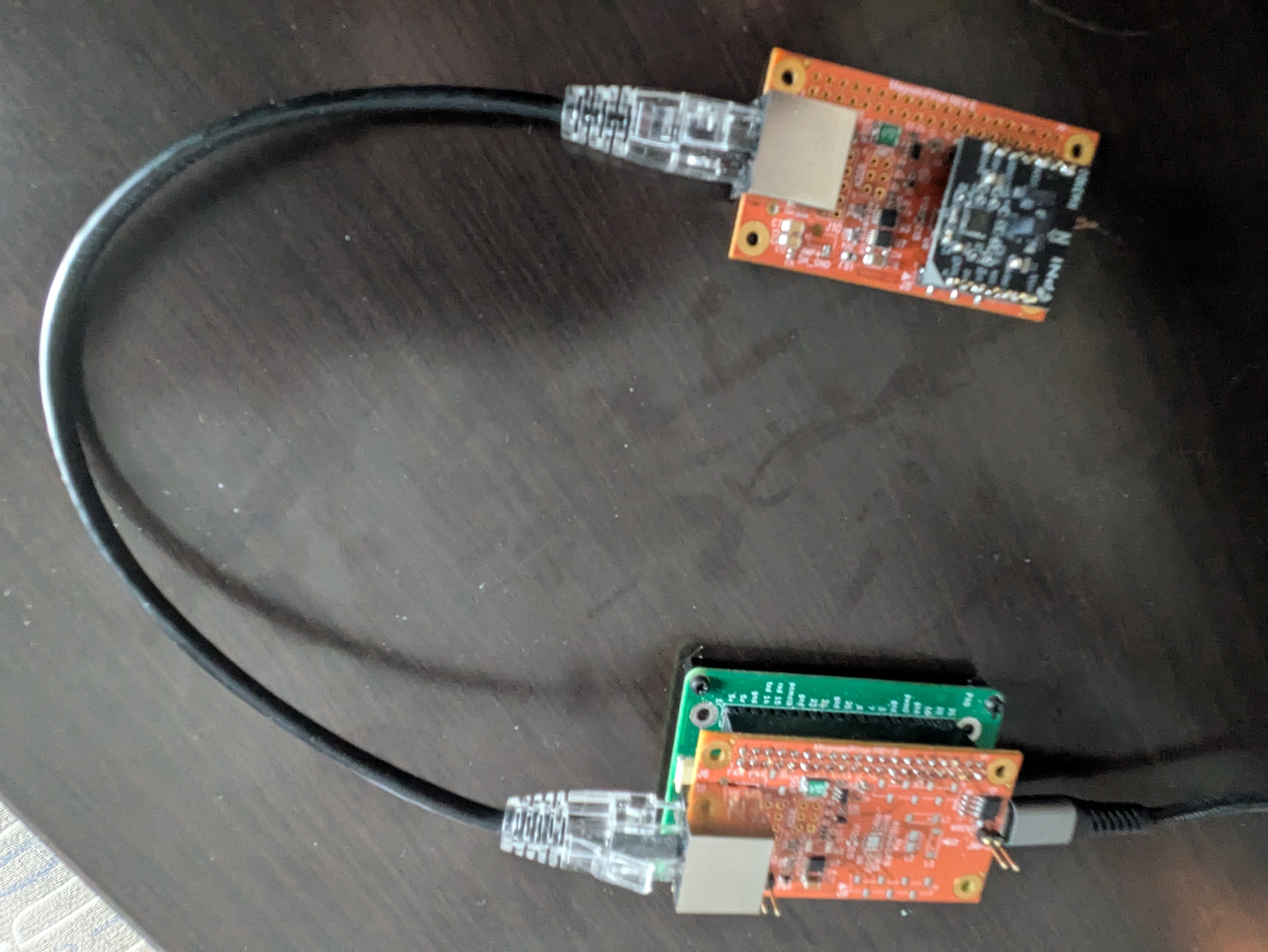 Fig. 2: Close-up of the sensor wiring and connector pinout.
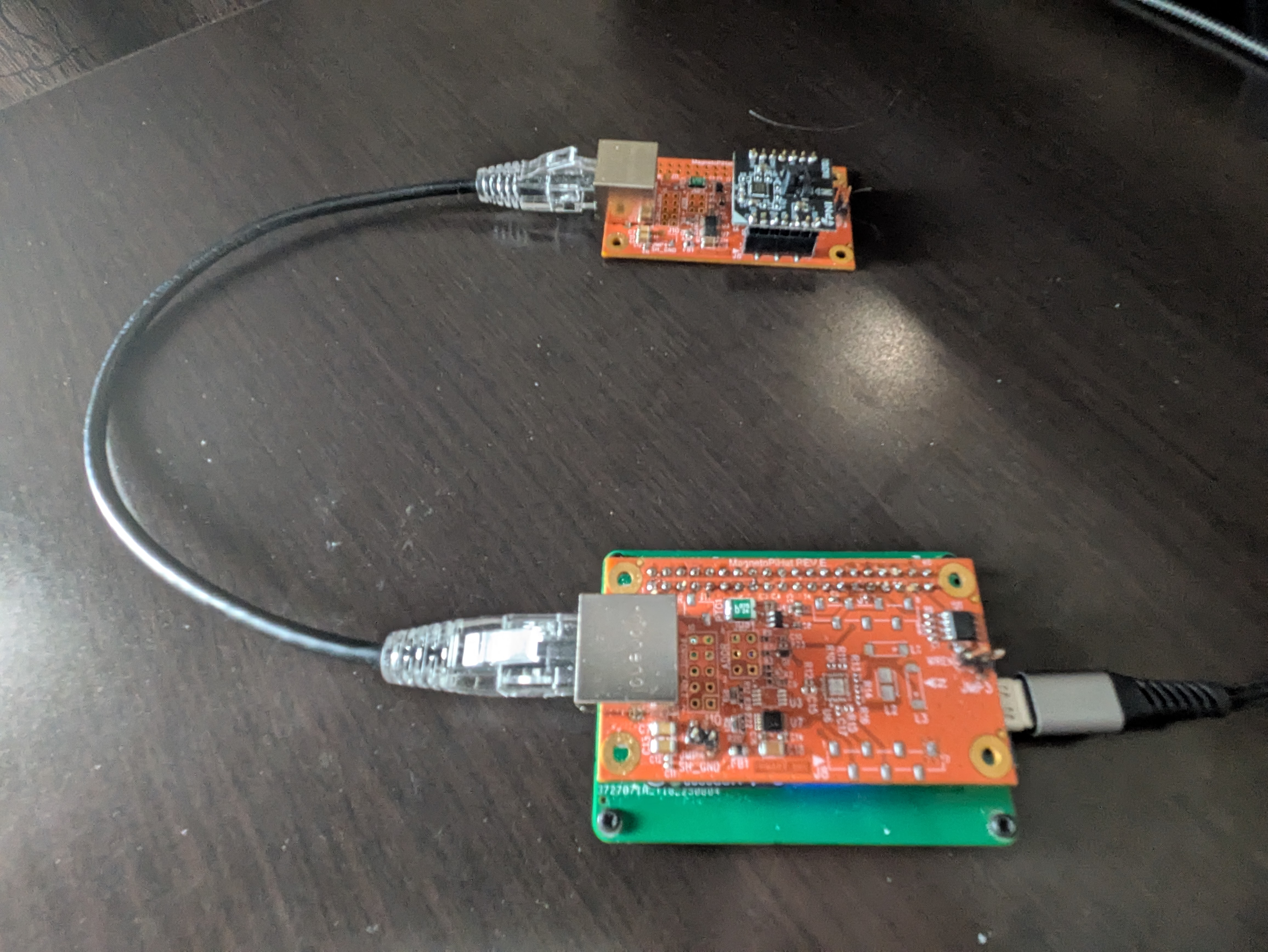 Fig. 2a: Detail of the Pololu adapter connections.
Confirm pull-ups are present on SDA/SCL (many boards include them).
Linux device path
The adapter appears as a ttyACM device (e.g., /dev/ttyACM0).
The full setup should configue a device named /dev/ttyMAG0 that symlinks to the correct ACM device, but you can also use the ACM path directly.
If the adapter doesn’t appear, try replugging it and check dmesg or lsusb for clues. You should see a new device with a name like “Pololu USB-to-I²C Adapter” and an associated ACM device number.
Check dmesg or lsusb for details; examples are in assets.
Stable permissions and naming
A sample udev rule is provided at install/99-PololuI2C.rules. To install:
sudo cp install/99-PololuI2C.rules /etc/udev/rules.d/
sudo udevadm control --reload-rules
sudo udevadm trigger
After replugging the adapter, confirm permissions and any symlink names defined in your rule.
Verifying connectivity
Use mag-usb’s quick check flag:
./mag-usb -Q                      # uses default /dev/ttyMAG0
./mag-usb -O /dev/ttyACM0 -Q      # override if udev rule not installed
If you see permission errors, check your udev setup and group membership (dialout or equivalent on your distro), or run temporarily with sudo (not recommended long-term).