Troubleshooting
Common issues and how to resolve them.
Adapter not found or permission denied
If you are using an external USB port hub, make certain that it provides the full 5v required by the Pololu adapter. It may require a supplemental power supply to power the device.
Be certain that the switchon the Pololu device is in the 5v position and that both the BLUE and the GREEN LEDs are visible.
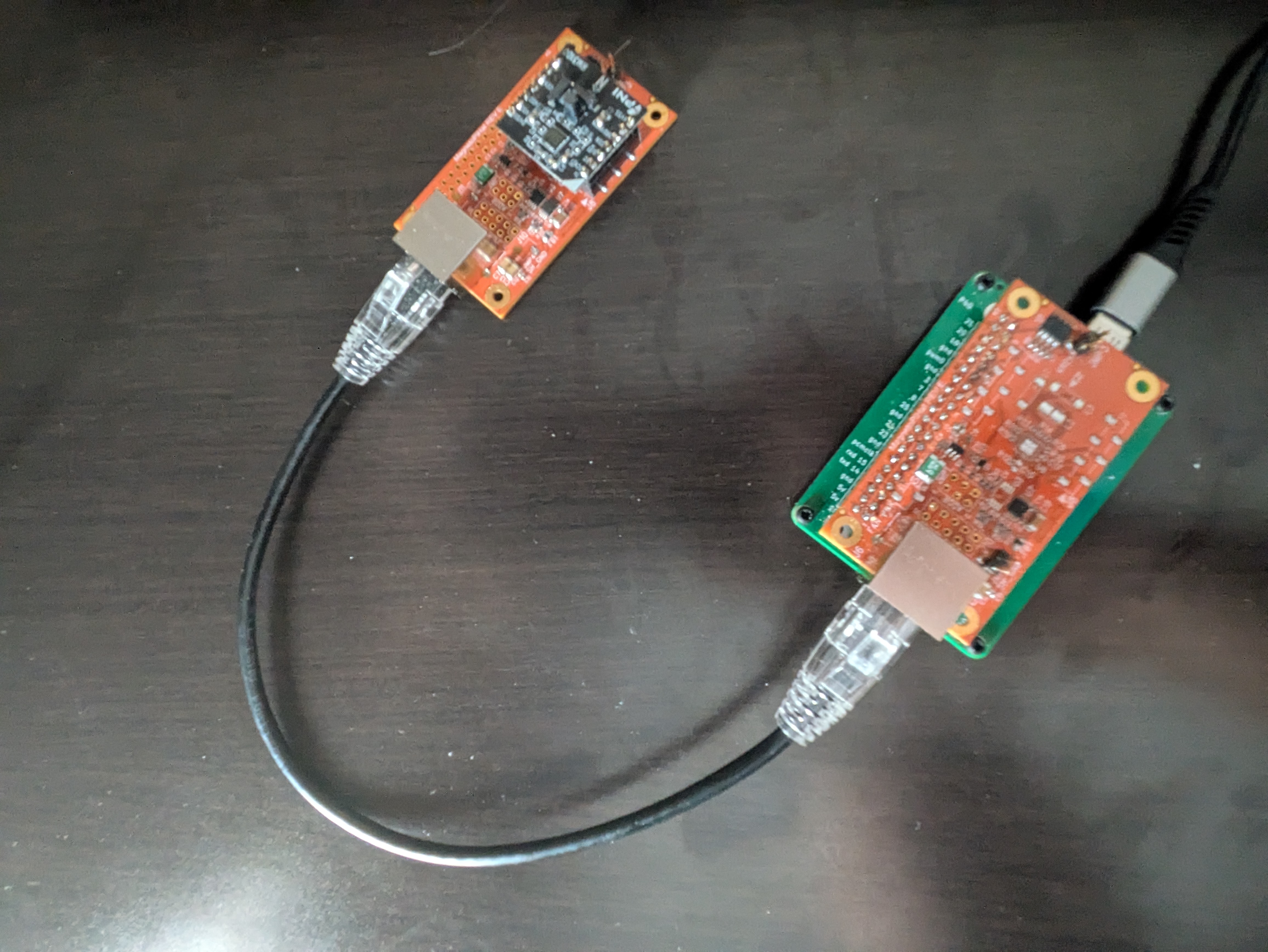 Fig. 5: Pololu adapter LED indicators and 5V switch position.
Symptom:
mag-usb -Qreports errors opening/dev/ttyACM0, or EACCES.Fixes:
Ensure your user is in the dialout (or equivalent) group:
sudo usermod -aG dialout $USERthen re-login.Install udev rule: see docs/Hardware-Setup.md and install/99-PololuI2C.rules.
Verify the device node exists:
ls -l /dev/ttyACM*.Check dmesg:
dmesg | tail -n 50.
Wrong device path (ACM1 vs ACM0)
The ttyACM number can change. Either probe available devices or create a persistent symlink via udev.
Use
-O /dev/ttyACM<N>to select the correct device.
Missing or ignored configuration
Symptom:
-Pshows defaults instead of your values.Causes and fixes:
config.tomlis not in the current working directory. Run from the folder containingconfig.toml, or pass an absolute path (feature not currently implemented; current build only checks CWD).Syntax errors: ensure
key = valueformat, quoted strings, and whole-line comments only (no inline comments).
Invalid orientation values
Symptom: Orientation prints as
0, 0, 0or axis swaps don’t match expectations.Notes:
Allowed values are only
-180, -90, 0, 90, 180. Any other value is treated as0.Rotations are applied in order X → Y → Z using the right-hand rule. See docs/Orientation-and-Axes.md for examples.
Build fails
Ensure CMake 3.22+ and a recent GCC/Clang.
Try a clean build directory.
If errors are warnings-as-errors, you can temporarily disable
-DENABLE_WERROR=ON.
Tests fail
Some tests interact with the i2c-pololu logic; ensure the adapter is not locked by another process.
Re-run with verbose CTest:
(cd build && ctest -VV).
No data from sensor
Check wiring (SDA/SCL/GND, optional 5V).
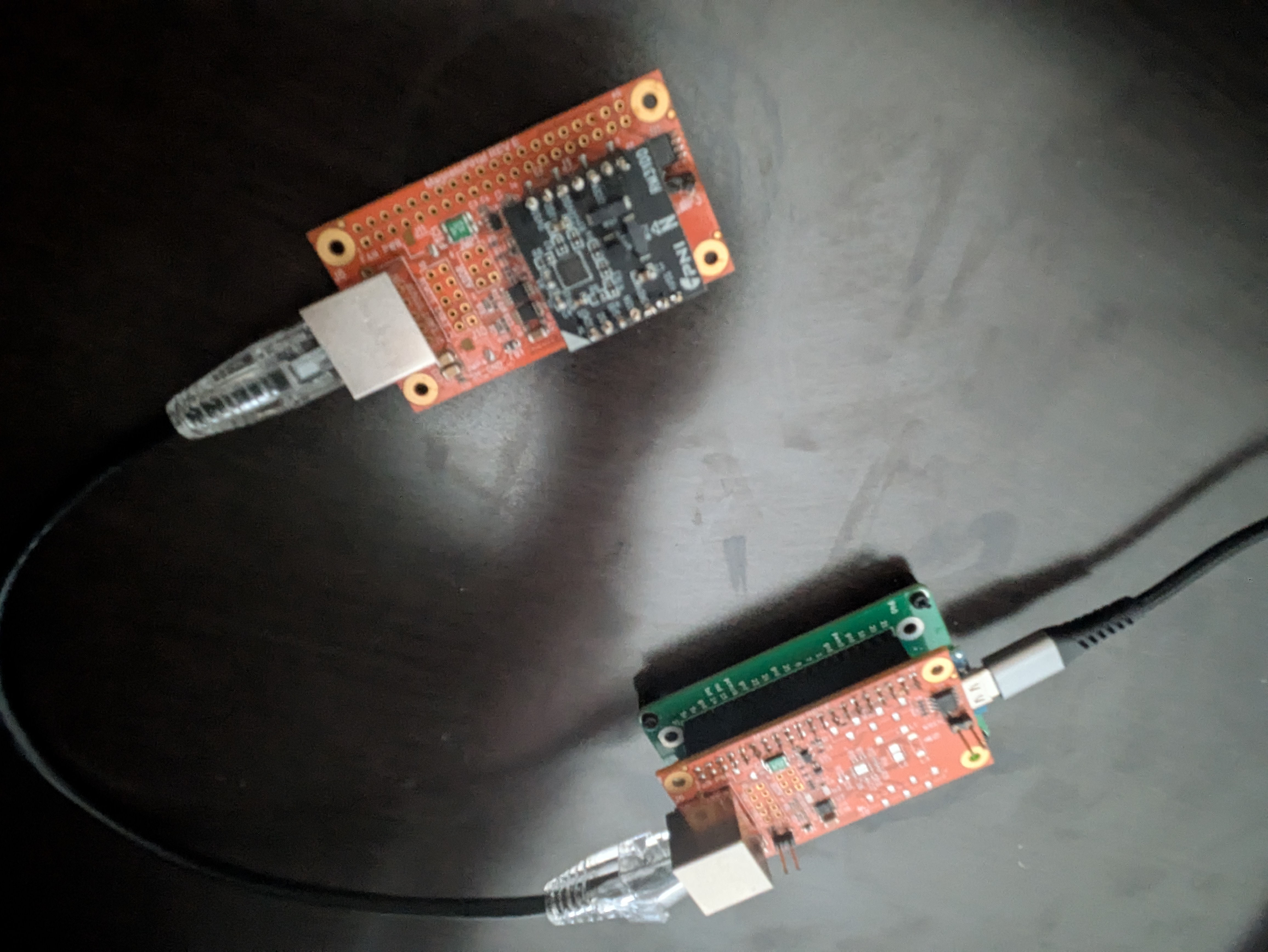 Fig. 6: Verifying sensor wiring connections.
Confirm pull-up resistors present.
Verify device addresses match expected values in config (MCP9808/Magnetometer addresses).
Use diagnostics:
-Qto verify the Pololu adapter.-Sto scan the I²C bus.-Mto verify the magnetometer.-Tto verify the temperature sensor.
Interleaved JSON and logs
If you require a clean JSON stream, redirect (
2>/dev/null) or filter lines that do not start with{.
Getting more help
Open an issue with logs:
Your distro and kernel version
Output of
lsusb,dmesgafter plugging the adaptermag-usb CLI, version, and full console output